School website and pre-registration
The showcase site is what parents looking for a school see: presentation, sections and options, news, photos, team, contact and pre-registration. The administration updates it itself, tab by tab.
- Administration
- Secretariat
- Parents looking for a school
What the module does
- Eight templates to choose from, with the school's colours and logo: Horizon, Éveil, Prestige, Campus, Essentiel, and three designed for the phone first, Journal, Appli and Institution.
- Presentation sheet: class hours, services, languages of instruction, accreditation; indicative fees and results only appear if the school publishes them.
- Pre-registration from the phone, without an account, with attachments (report card, birth certificate).
- Follow-up of requests by the secretariat: call, appointment or test, acceptance or refusal, ready WhatsApp messages.
- Enrolment of the accepted child without retyping everything.
- Group website when an owner has several schools: parents compare the schools and pre-register in the one they choose.
- Each school can have its own domain name.
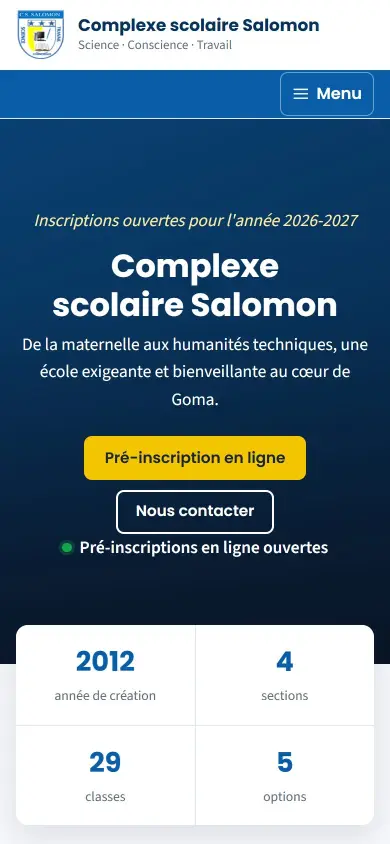
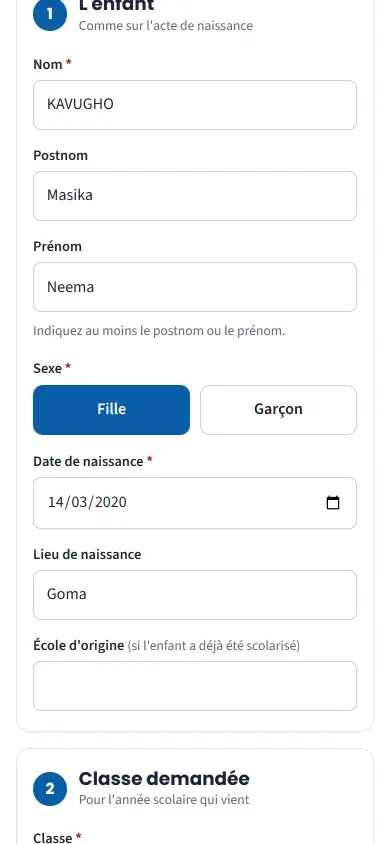
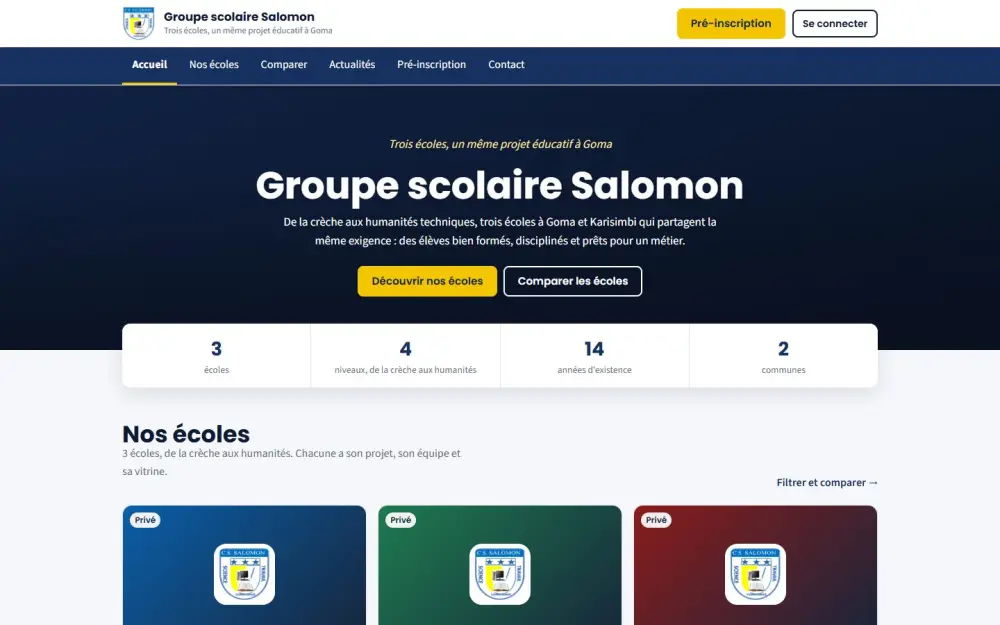
Screenshots taken on the manual's demonstration school (fictitious data). The interface is in French.
In the manual (Manual in French)
The manual describes every screen step by step, with screenshots on computer and on phone.
A question about this module?
Message Genius ICT on WhatsApp: your message is already written, you only have to send it.
Message us on WhatsAppSee Masomo Mepesi with the data of a real school.
Open the demonstration with the account of your choice (owner, cash desk, teacher, parent…), or message us: Genius ICT comes to present Masomo at your school.