Online help · Manual in French
User manual
Every Masomo screen is described in a page: what it is for, who uses it, step-by-step instructions with screenshots, the logic behind it, good practice and frequently asked questions.
The manual is written in French, like the Masomo interface. Your browser's translation feature works on the online version.
The chapters
- 01 DémarrerGetting started: sign-in, workspaces, home screen, favourites, “To do” bell, profile, own attendance and payslips.
- 02 ÉlèvesPupils: enrolment, files, cards, pre-registrations, promotion, enrolment figures, in-kind contributions.
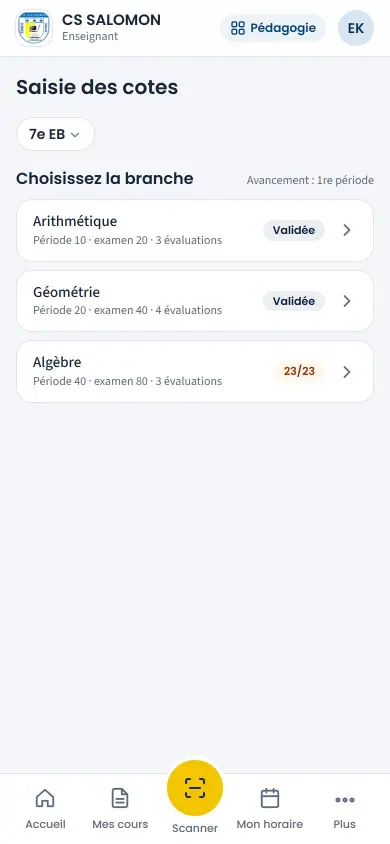
- 03 PédagogieTeaching: courses, timetables, grades, report cards, deliberations, nursery, certificates, teaching reports.
- 04 Vie scolaireSchool life: roll call, discipline, card scanning, absences and lateness, crèche and early childhood, messages to parents.
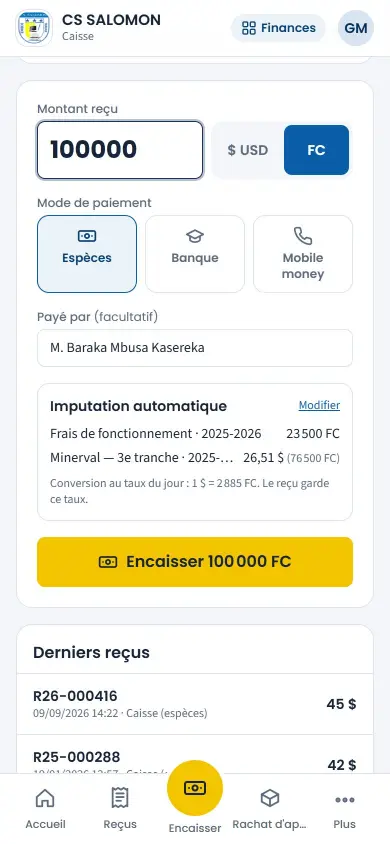
- 05 FinancesCash desk, receipts, arrears, fees, exchange rate, accountant, treasury and loans, expenses, payroll and advances.
- 06 ÉtablissementSchool: classes and grids, calendar, staff, heads of school, accounts, website, automatic messaging, year closing, audit.
- 07 Espace familleFamily space: what parents and pupils see, the Family app and its alerts, pre-registration.
- 08 AdministrationInstallation, subscription, backups, maintenance, emails, SMS and WhatsApp providers, official report card library.
Search and glossary
A search box at the top of each page, a glossary of school terms, frequently asked questions. Each chapter prints cleanly.
Glossary